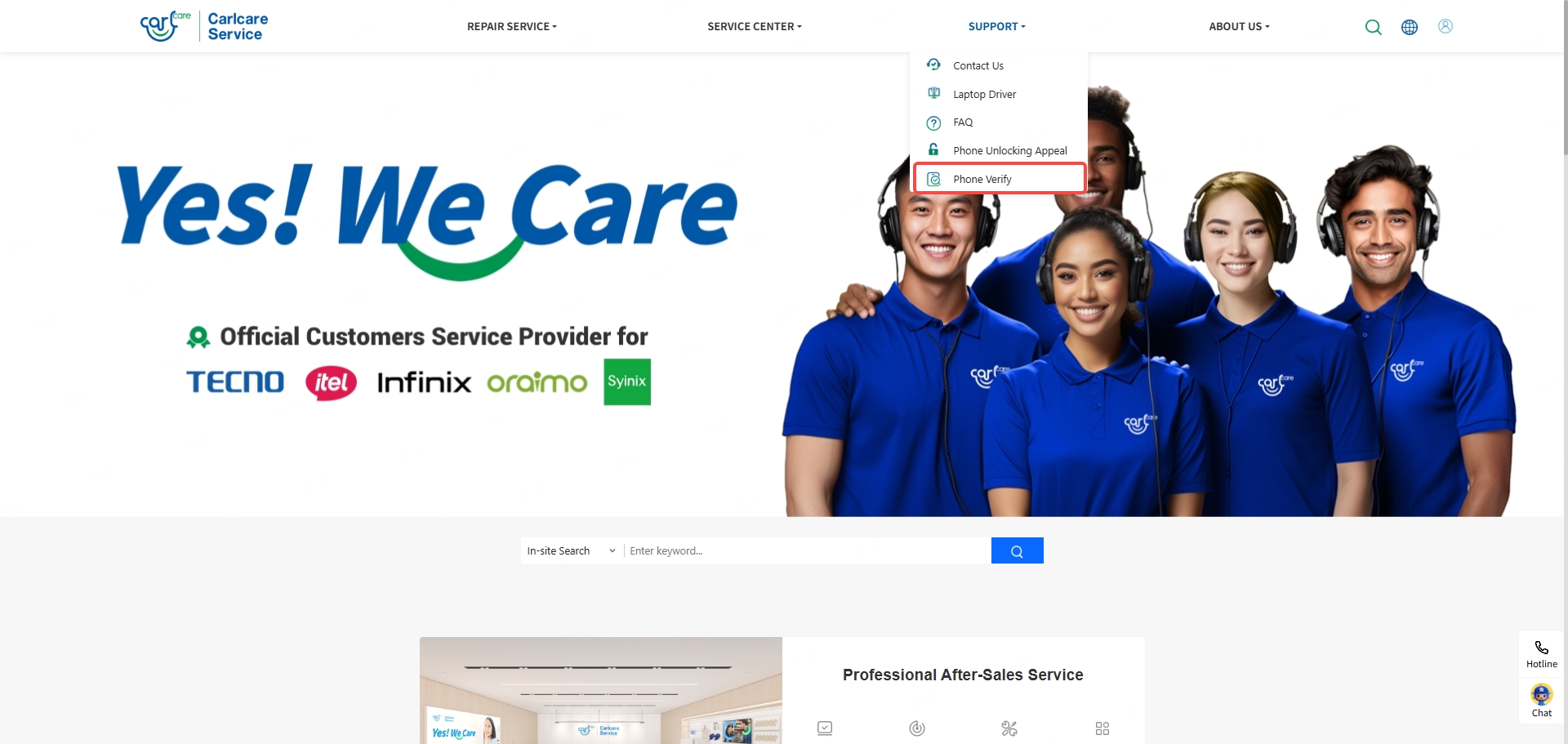
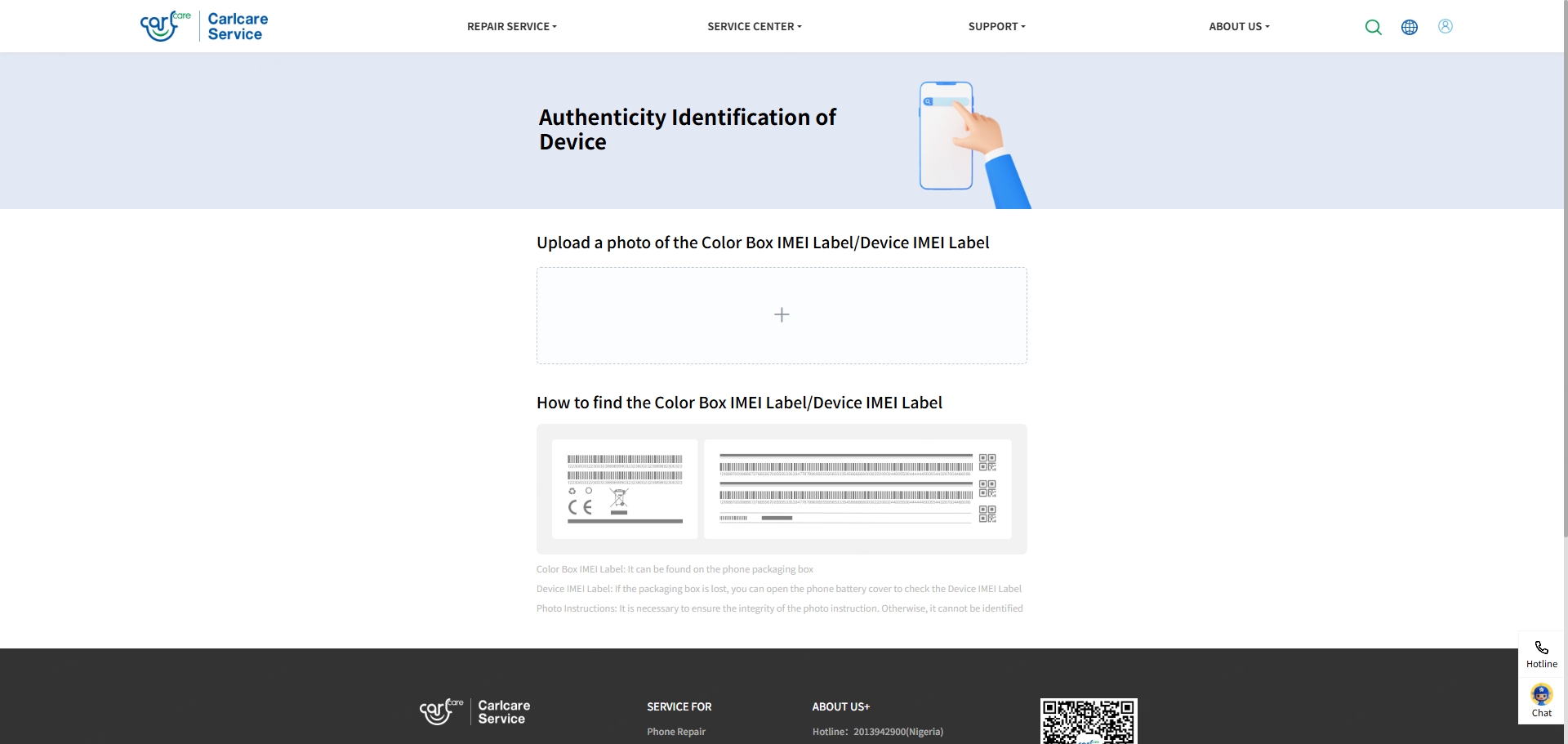
The Phone Verify feature is now officially available on both the Carlcare APP and the Carlcare website. Users can quickly verify whether a device is genuine by uploading a photo of the device's IMEI Label.
How to Use:
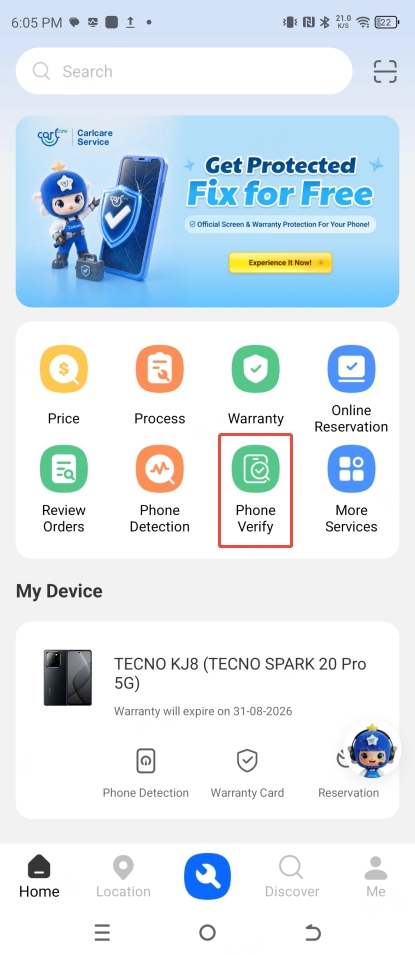
Carlcare APP:
- Open the Carlcare APP and tap Phone Verify in the Quick Access section.
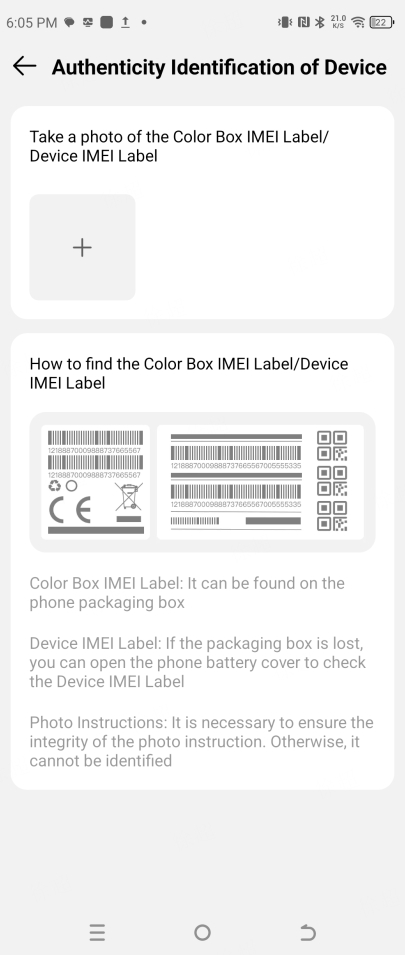
- Upload a photo of the Color Box IMEI Label/Device IMEI Label.
- The system will automatically verify the device and display the result.
Carlcare Website:
- Visit the Carlcare website → navigate to the Phone Verify page from the navigation menu.
- Upload a photo of the Color Box IMEI Label/Device IMEI Label.
- The system will automatically verify the device and display the result.